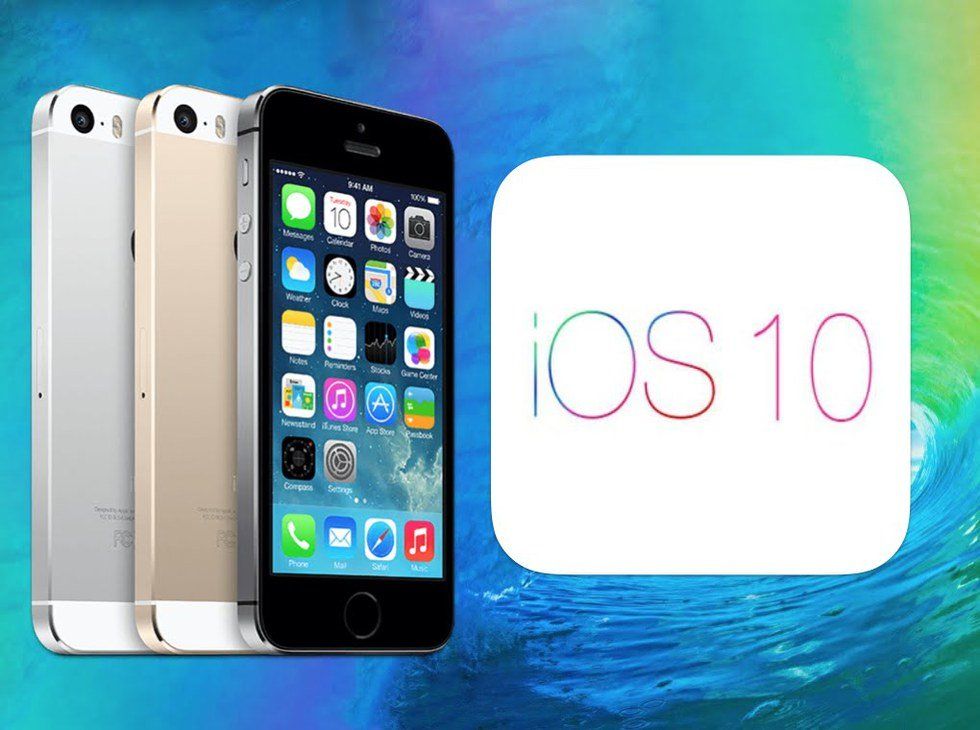
Like every year, everyone is pretty pumped for the release of the newest iPhone. Along with the new gadget come the release of the latest operating system. This next release is rumored to come with a lot of changes in layout and being able to delete pre-programed apps. See you later stocks app.
I've been beta testing the latest software for about 10 days now, so I've gotten a full taste of what it has to offer. So let's take a deeper look into it, shall we?
1. The lock screen
It's a pure mess. While we no longer have to grab the corner of the screen and drag it up to access the camera, we swipe left and we get all of our notifications there, however, we can turn that feature off in settings. After turning it off, you are left with one screen not including the camera. No more number pad. In order to open the phone, you just hit the home button making sure your finger print is covering it. I still don't know how to access just the key pad itself.
2. Messaging
When iOS 10 was first announced, we were told that we would have many cool new ways to send a text. From a way to say things loud, to invisible ink. We can also like someones message now. To get to the options to send a message, a certain way, you hit and hold the send arrow and a screen of options comes up. If you look on the top of the screen you'll see another set of options called "screen." If you click on that you'll see that you also have to option to send a message with balloons, fireworks, lasers and a couple more. If you rotate your screen to the side, the options to use your handwriting becomes available, which is cool if you want to send something with a little more of a personal touch.
3. Control Center
Honestly, I don't know why this feature was changed. When you swipe up, you still get all your normal functions, but if you look closer you'll realize that your option to play music is no longer there. Have no fear! Simply swipe right and it is there in another page of the control center. Apple may have wanted to declutter the original center, but the way they did it is completely unnecessary.
4. Seriously, you can delete the stocks app.
If I'm being honest, that's probably why I downloaded the beta in the first place. I wanted to see if it was something that I could actually do. And you can. It's the first thing that I did actually. If anything can make up for how the beta is running right now, it may just be that one feature alone.
Overall, I hope the Apple will go through and change some of the features back. Most of it is cosmetic, which I hope will be easier for them to fix. I haven't had my phone completely mess up like many users experienced a few years ago with iOS 8. So there is some hope, but probably not much. iOS 9 will probably remain my favorite update with Apple so far.